

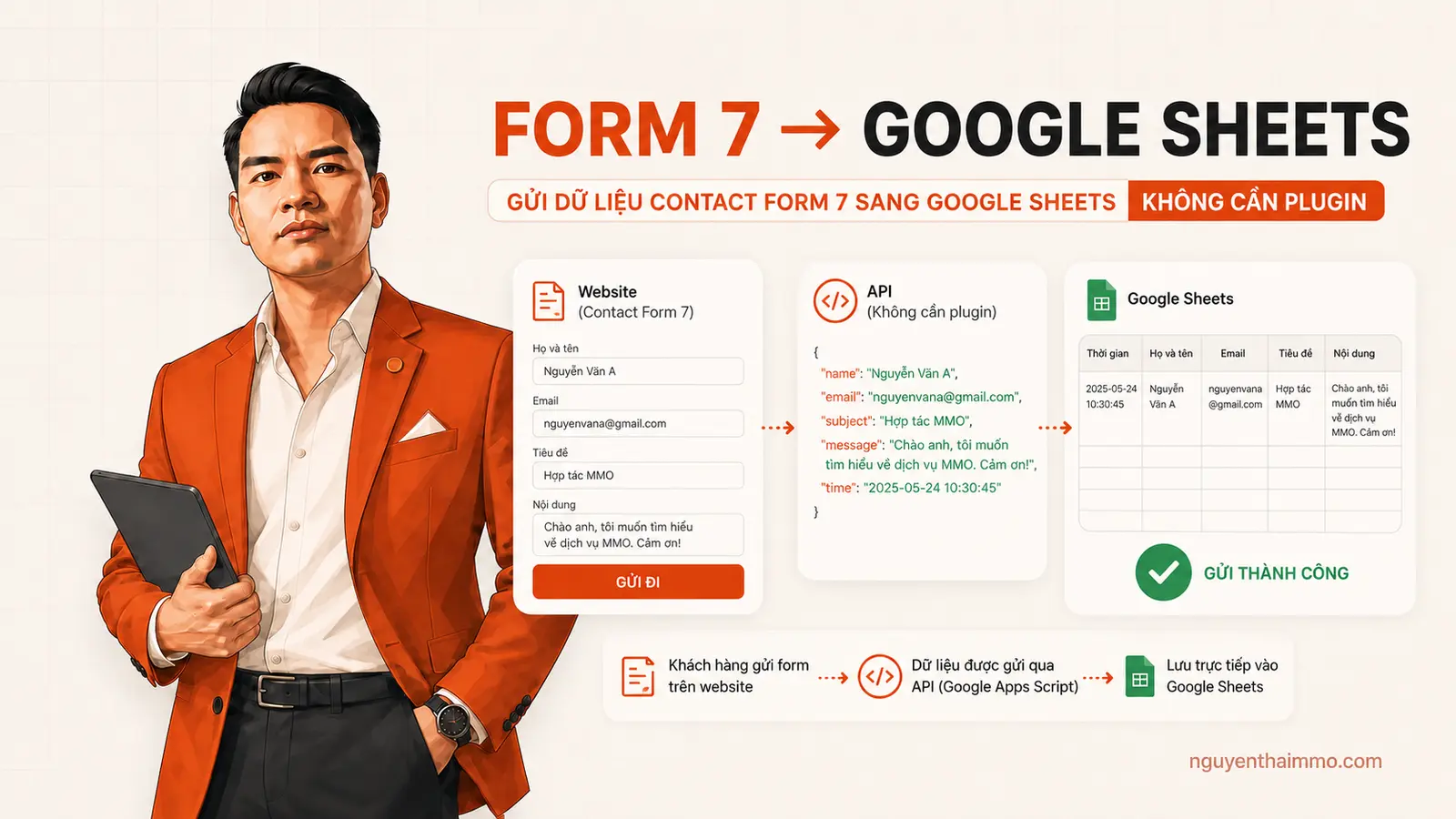
Gửi Dữ Liệu Contact Form 7 Về Google Sheets Không Plugin

Nội dung trên nguyenthaimmo.com được trực tiếp triển khai, kiểm thử và biên soạn bởi NguyenThaiMMO – người có nhiều năm kinh nghiệm thực chiến trong WordPress, SEO kỹ thuật, Automation, MMO & Affiliate.
Mỗi bài viết đều được thẩm định dựa trên trải nghiệm thực tế, ưu tiên hướng dẫn từng bước, chỉ ra lỗi thường gặp và giải pháp cụ thể, nhằm giúp người đọc áp dụng được ngay, hạn chế rủi ro và tối ưu hiệu quả lâu dài.
Gửi dữ liệu Contact Form 7 về Google Sheets là cách mình hay dùng khi muốn lưu thêm một bản đăng ký ngoài email nhưng không muốn cài thêm plugin kết nối. Cách trong bài đi theo luồng Contact Form 7 → Google Forms → Google Sheets, vì vậy bạn vẫn quản lý được dữ liệu dạng bảng và giảm bớt một plugin trên WordPress.
Trong video bên dưới mình đã làm trực tiếp từng bước bằng cURL. Bạn có thể xem video trước để nắm luồng thực hiện, sau đó làm theo phần hướng dẫn chi tiết trong bài. Mình cũng đưa thêm một phiên bản dùng HTTP API có sẵn của WordPress để bạn dễ kiểm tra lỗi và bảo trì hơn.
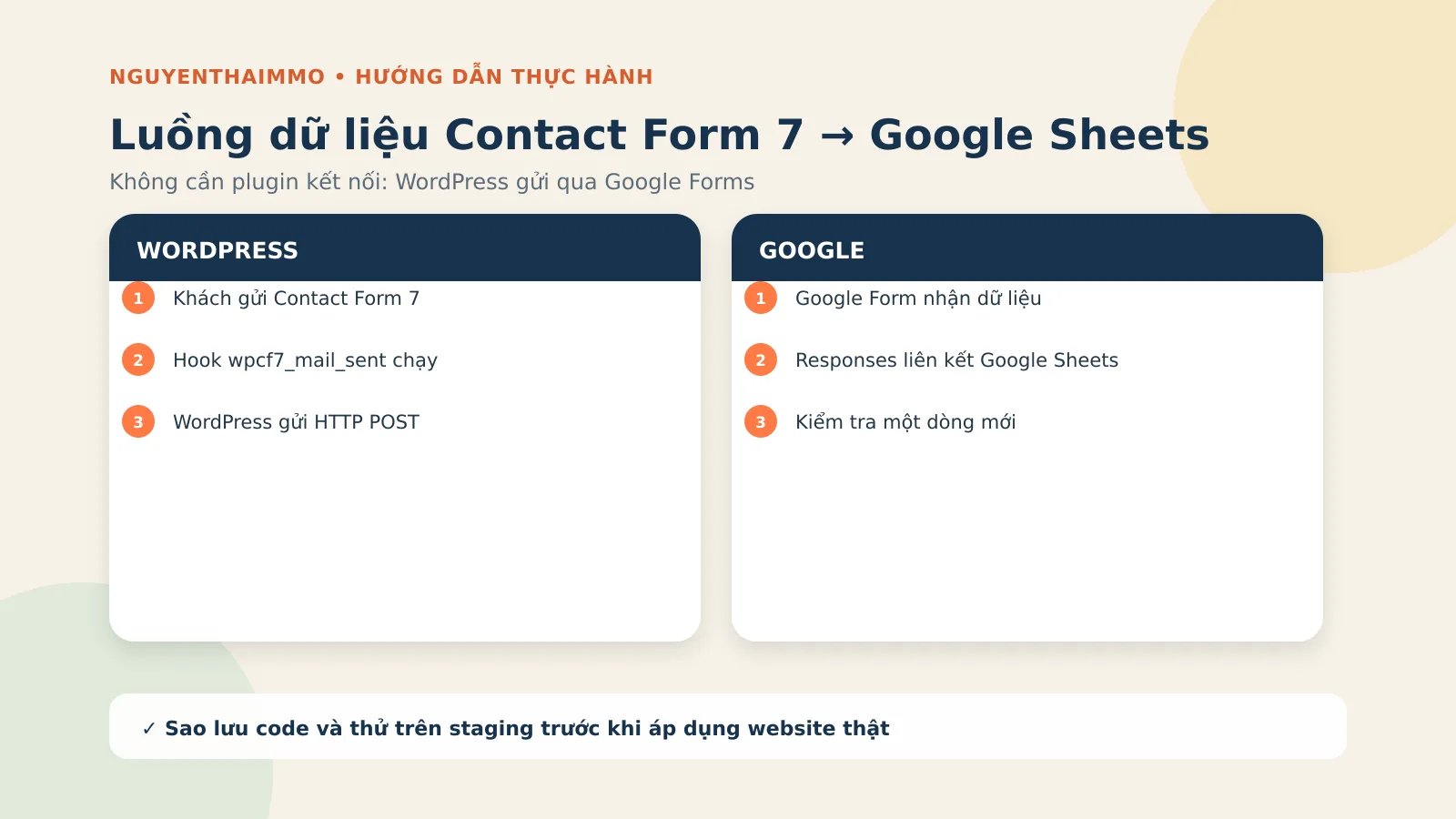
Video hướng dẫn gửi Contact Form 7 về Google Sheets
Mình đã quay lại toàn bộ quá trình thiết lập trong video này. Bạn nên mở video song song với bài viết để dễ kiểm tra Form ID, URL và các mã entry của Google Form.
Cần chuẩn bị gì trước khi làm?
- Một website WordPress đã cài và cấu hình Contact Form 7.
- Một Google Form và một Google Sheets dùng để nhận phản hồi.
- Quyền sửa file của child theme trong cPanel, FTP/SFTP hoặc trình quản lý mã nguồn.
- Một bản sao lưu file
functions.phptrước khi chèn code.
Hook trong bài chạy sau khi Contact Form 7 gửi mail thành công. Vì vậy, nếu website chưa gửi mail ổn định, bạn nên làm SMTP trước: hướng dẫn cài SMTP bằng Gmail API trên WordPress.
Lưu ý riêng của mình: cách này phù hợp khi bạn cần một luồng gọn và chấp nhận tự quản lý code. Nếu website có nhiều form, nhiều nhánh điều kiện hoặc dữ liệu quan trọng, hãy dùng staging, ghi log và có cơ chế kiểm tra lỗi thay vì chỉ dán code rồi để đó.
Bước 1: Tạo Google Form và liên kết với Google Sheets
Trong Google Forms, bạn tạo các câu hỏi tương ứng với trường đang có trong Contact Form 7, ví dụ họ tên, email, số điện thoại và nội dung. Sau đó mở tab Responses, nhấn biểu tượng Google Sheets và chọn:
- Create a new spreadsheet nếu muốn tạo bảng tính mới.
- Select existing spreadsheet nếu muốn ghi dữ liệu vào một bảng tính đã có.
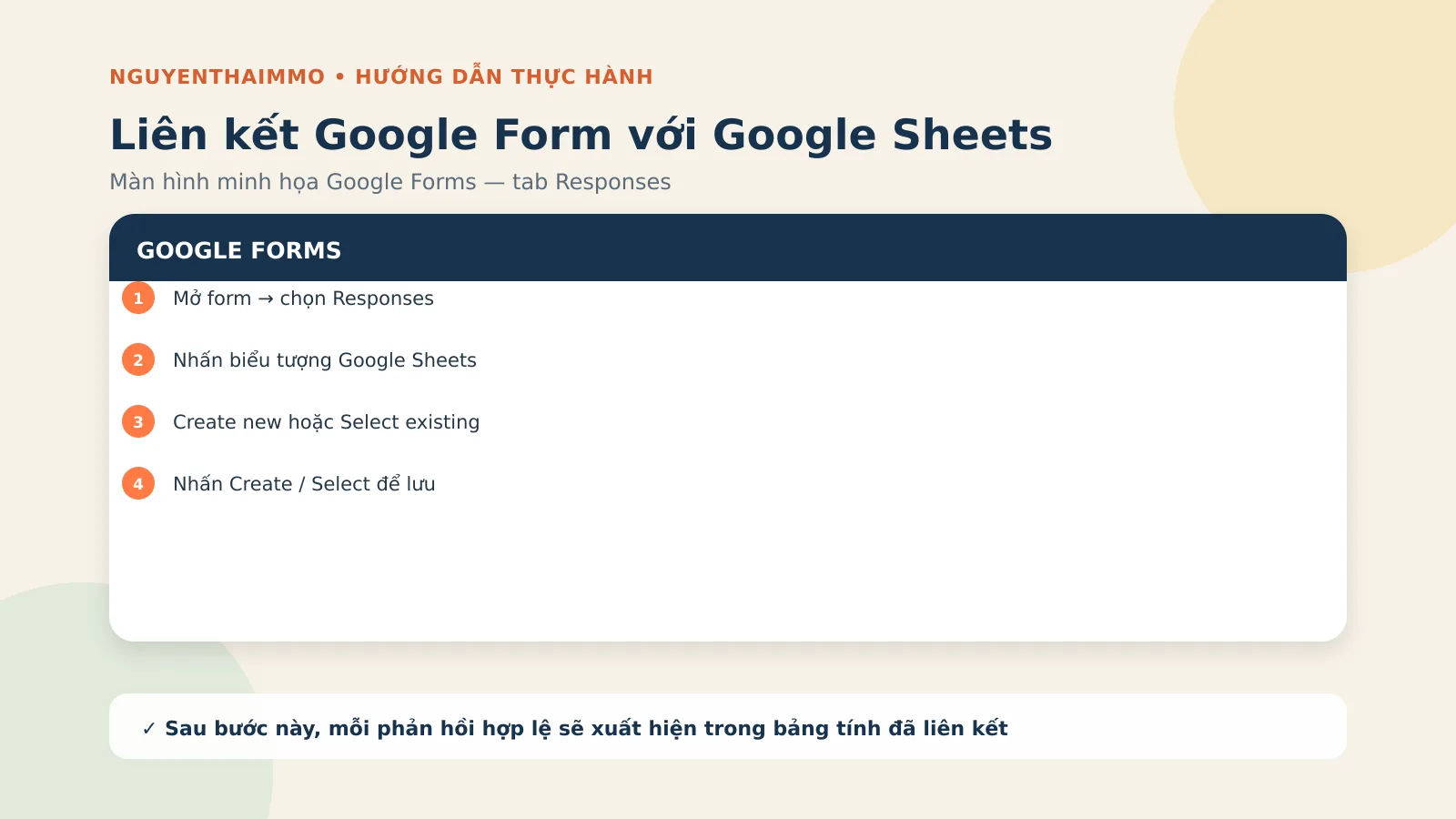
Bạn nên gửi thử một phản hồi ngay trên Google Form. Nếu một dòng mới xuất hiện trong Sheets thì phần liên kết Google Form → Google Sheets đã hoạt động. Đây là bước kiểm tra quan trọng trước khi đụng đến WordPress.
Bước 2: Lấy URL formResponse và mã entry của từng trường
Google Form nhận dữ liệu qua endpoint có dạng:
https://docs.google.com/forms/d/e/FORM_ID/formResponseMỗi câu hỏi có một tên trường dạng entry.123456789. Bạn cần ánh xạ chính xác trường của Contact Form 7 với entry tương ứng. Một cách dễ làm là dùng chức năng tạo liên kết điền sẵn của Google Form, nhập các giá trị mẫu khác nhau, sao chép URL rồi đối chiếu từng entry.
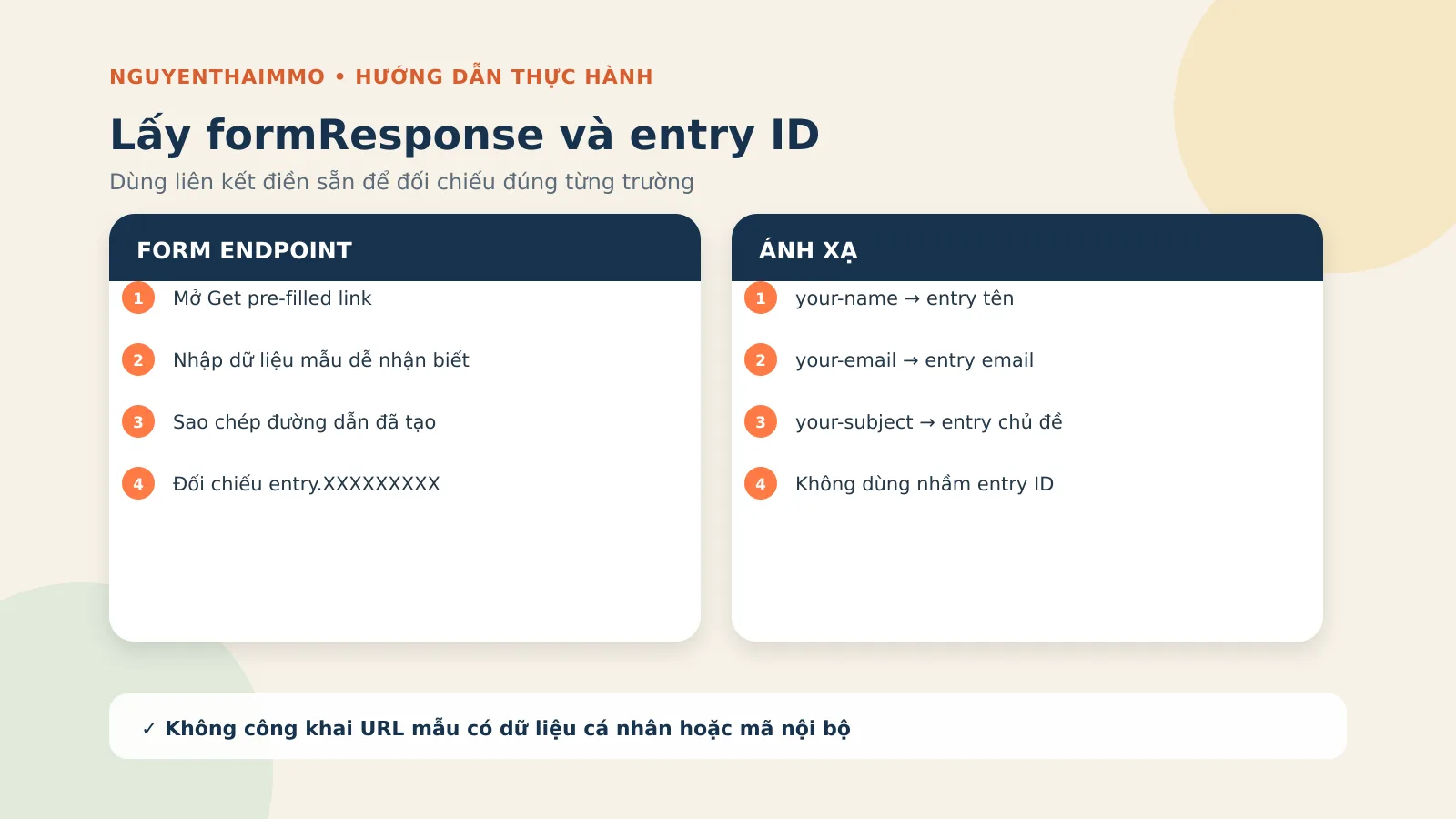
Bạn có thể lập bảng nháp như sau để tránh nhầm:
| Contact Form 7 | Google Form | Mã gửi đi |
|---|---|---|
your-name |
Họ và tên | entry.94905923 |
your-email |
entry.xxxxxxxxx |
|
your-subject |
Chủ đề | entry.yyyyyyyyy |
Các số ở trên chỉ là ví dụ từ cấu hình cũ của mình. Form của bạn sẽ có mã khác, không được copy nguyên xi.
Bước 3: Xác định ID của Contact Form 7
Vào Contact → Contact Forms trong WordPress. Ở danh sách form, bạn sẽ thấy shortcode kiểu Lỗi: Không tìm thấy biểu mẫu liên hệ.1833 là ID form mình dùng trong video. Hãy thay bằng ID thật của form bạn muốn kết nối.
Điều kiện kiểm tra ID rất cần thiết. Nếu bỏ nó, mọi Contact Form 7 trên website có thể cùng chạy đoạn gửi dữ liệu này.
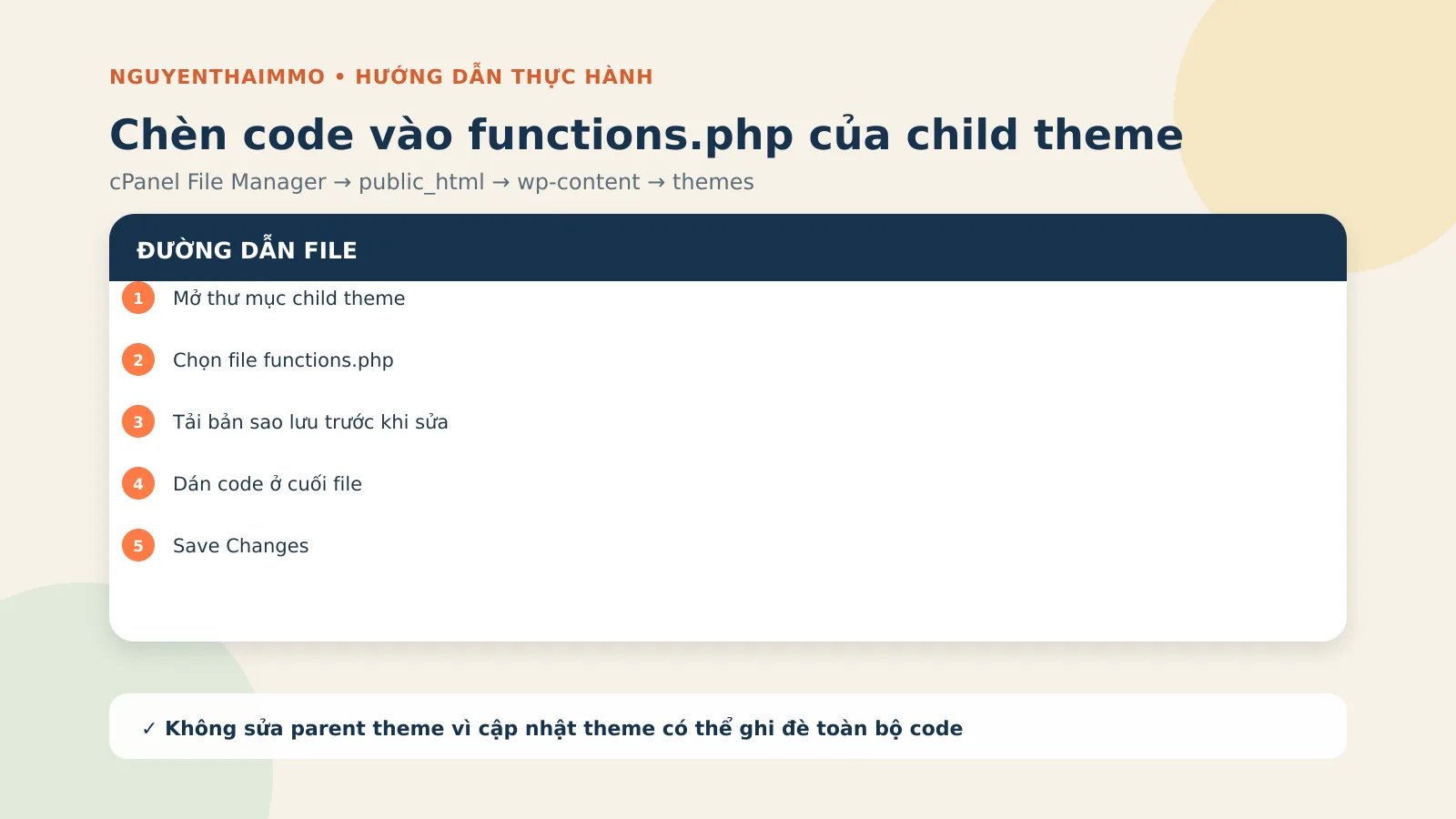
Bước 4: Tạo hoặc mở file functions.php đúng vị trí
Trong cPanel File Manager, đường dẫn phổ biến là:
public_html/wp-content/themes/ten-child-theme/functions.phpNếu thư mục child theme chưa có file functions.php, bạn tạo file mới đúng tên functions.php, thêm dòng mở đầu <?php rồi lưu. Nếu file đã có, tải một bản về máy trước khi sửa. Không nên chèn vào parent theme vì khi cập nhật theme, code có thể bị ghi đè.
Bước 5: Chèn phiên bản code mình khuyến nghị hiện tại
WordPress có sẵn hàm wp_remote_post() để gửi POST và trả về phản hồi hoặc WP_Error. Vì vậy, hướng dẫn sử dụng API của WordPress thay cho việc gọi cURL trực tiếp.
add_action( 'wpcf7_mail_sent', 'ntmmo_cf7_to_google_form' );

function ntmmo_cf7_to_google_form( $contact_form ) {
    // Chỉ chạy với form cần kết nối.
    if ( 1833 !== (int) $contact_form->id() ) {
        return;
    }

    $submission = WPCF7_Submission::get_instance();
    if ( ! $submission ) {
        return;
    }

    $posted_data = $submission->get_posted_data();

    $body = array(
        'entry.94905923'  => sanitize_text_field( $posted_data['your-name'] ?? '' ),
        'entry.XXXXXXXXX' => sanitize_email( $posted_data['your-email'] ?? '' ),
        'entry.YYYYYYYYY' => sanitize_text_field( $posted_data['your-subject'] ?? '' ),
    );

    $url = 'https://docs.google.com/forms/d/e/FORM_ID/formResponse';

    $response = wp_remote_post(
        $url,
        array(
            'timeout' => 15,
            'body'    => $body,
        )
    );

    if ( is_wp_error( $response ) ) {
        error_log( 'NTMMO CF7 → Google Form: ' . $response->get_error_message() );
    }
}
Bạn cần thay bốn nhóm thông tin: ID form 1833, tên tag Contact Form 7, mã entry và FORM_ID. Chỉ nên gửi những trường thực sự cần lưu. Mình không đưa IP vào code khuyến nghị mặc định vì đây là dữ liệu có yếu tố riêng tư; nếu bạn có mục đích hợp lệ để lưu IP thì cần thông báo rõ trong chính sách quyền riêng tư.
Code mình sử dụng trong video
Nếu bạn đang thao tác theo video, hãy dùng đoạn code dưới đây. Sau khi chạy được, bạn có thể chuyển sang phiên bản wp_remote_post() ở trên nếu muốn quản lý lỗi theo chuẩn WordPress:
add_action('wpcf7_mail_sent', 'send_contact_form_to_google_sheets');

function send_contact_form_to_google_sheets($contact_form) {
    $title = $contact_form->title();
    $submission = WPCF7_Submission::get_instance();

    if ($submission) {
        $posted_data = $submission->get_posted_data();
        $contact_form_id = $contact_form->id();

        if ($contact_form_id == 1833) {
            $fields = array(
                'entry.524787103' => $submission->get_meta('remote_ip'),
                'entry.94905923' => $posted_data['your-name'],
                // Add other fields similarly
            );

            $url = 'https://docs.google.com/forms/u/0/d/e/1FAIpQLSc6ZyLO5AMNlMr8tvHhWI9k9F8Fotx88qWUx8otOdfKDtIdRg/formResponse';

            $fields_string = http_build_query($fields);

            $ch = curl_init();
            curl_setopt($ch, CURLOPT_URL, $url);
            curl_setopt($ch, CURLOPT_POST, true);
            curl_setopt($ch, CURLOPT_POSTFIELDS, $fields_string);
            curl_setopt($ch, CURLOPT_RETURNTRANSFER, true);

            $result = curl_exec($ch);

            if (curl_errno($ch)) {
                error_log('cURL Error: ' . curl_error($ch));
            }

            curl_close($ch);
        }
    }
}
Giải thích nhanh đoạn code trong video: 1833 là ID Contact Form 7; mảng $fields chứa các entry cần gửi; biến $url là endpoint Google Form. Bạn có thể thêm hoặc xóa trường trong mảng, nhưng phải giữ đúng cặp entry ID → dữ liệu Contact Form 7.
Bước 6: Lưu file và kiểm tra kết quả
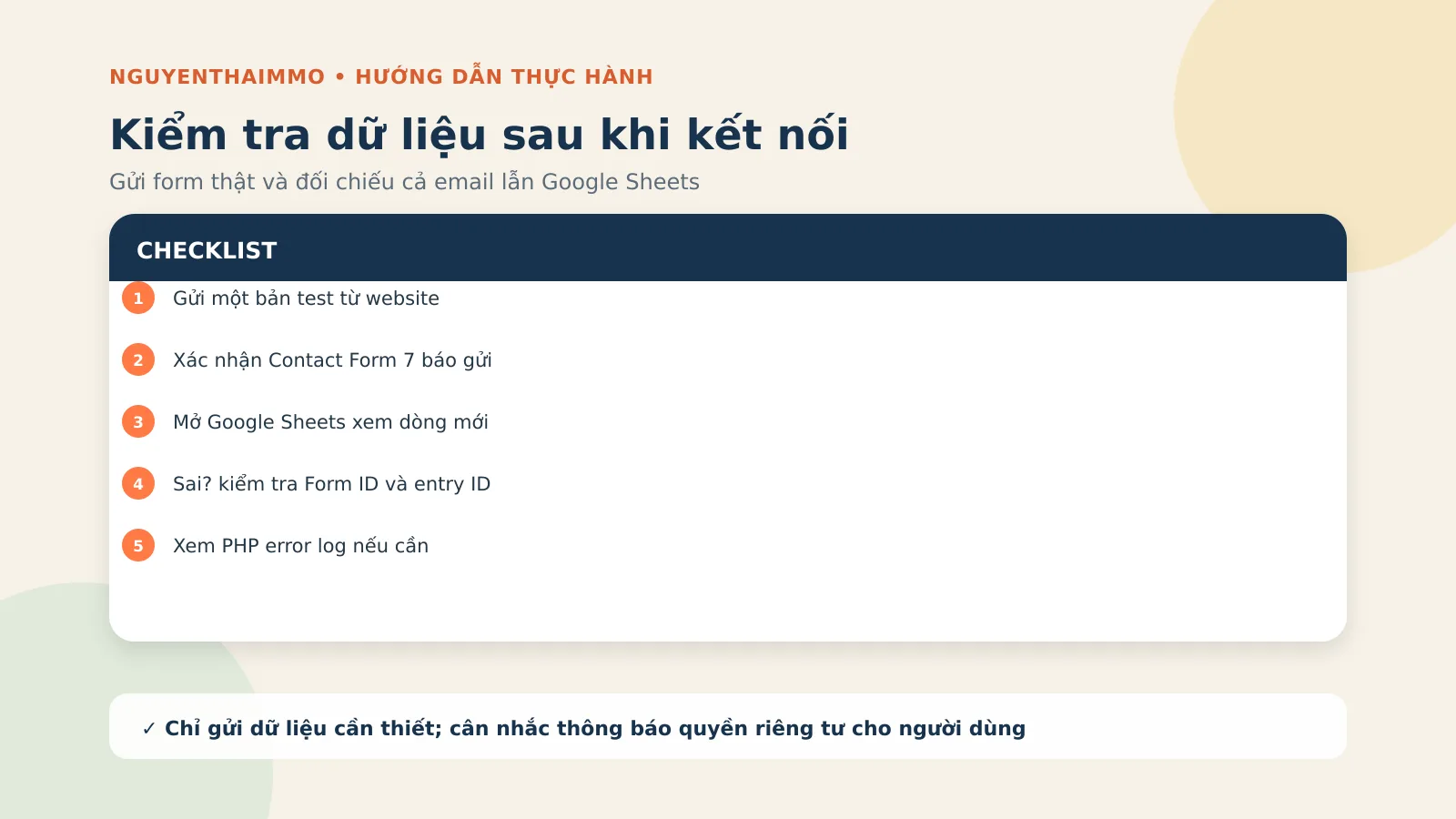
- Lưu
functions.phpvà mở lại website để chắc chắn không có lỗi trắng trang. - Gửi một bản test bằng dữ liệu dễ nhận biết.
- Kiểm tra Contact Form 7 có báo gửi thành công và email có tới không.
- Mở Google Sheets, kiểm tra dòng mới và từng cột.
- Nếu không có dữ liệu, kiểm tra lại Form ID, entry ID, endpoint và PHP error log.
Nếu website lỗi sau khi lưu, hãy khôi phục ngay file functions.php đã sao lưu. Nếu form vẫn gửi mail nhưng Sheets không có dòng mới, bật log WordPress trên staging hoặc xem error log trong cPanel để tìm thông báo bắt đầu bằng NTMMO CF7 → Google Form.
Góc nhìn NguyenThaiMMO: khi nào nên dùng cách này?
Mình thấy cách này khá ổn khi bạn có một vài form đơn giản, muốn chủ động luồng dữ liệu và không muốn cài thêm plugin chỉ để chuyển dữ liệu sang bảng tính. Điểm mình thích là code nằm trong website của mình, có thể đọc, sửa và kiểm tra rõ ràng.
Nhưng “không dùng plugin kết nối” không có nghĩa là không cần bảo trì. Google Form có thể thay entry khi bạn tạo lại câu hỏi; child theme có thể bị sửa; dữ liệu cá nhân có thể được gửi sang dịch vụ bên thứ ba. Với dự án khách hàng, mình luôn ghi lại bản ánh xạ field, ngày kiểm tra và người chịu trách nhiệm xử lý dữ liệu.
Lỗi thường gặp
Contact Form 7 báo gửi nhưng Sheets không có dữ liệu
Kiểm tra endpoint có kết thúc bằng formResponse, Google Form có còn nhận phản hồi hay không và entry ID có đúng với câu hỏi hiện tại không.
Dữ liệu vào nhầm cột
Bạn đã ánh xạ nhầm entry. Hãy tạo lại liên kết điền sẵn với dữ liệu mẫu khác nhau cho từng trường rồi đối chiếu.
Lưu functions.php xong website trắng trang
Đây thường là lỗi cú pháp PHP. Khôi phục file sao lưu bằng cPanel hoặc SFTP, sau đó kiểm tra lại dấu ngoặc, dấu nháy và vị trí dán code.
Form không chạy hook
Đoạn code đang dùng hook sau khi mail được gửi thành công. Hãy kiểm tra SMTP và cấu hình Mail của Contact Form 7 trước.
Câu hỏi thường gặp
Cách này có hoàn toàn không dùng plugin không?
Bài vẫn dùng Contact Form 7 để tạo form, nhưng không cài thêm plugin trung gian để nối Contact Form 7 với Google Sheets.
Có thể gửi nhiều Contact Form 7 vào cùng một Google Sheets không?
Có. Bạn có thể tạo điều kiện theo từng form ID và gửi tới các Google Form khác nhau, hoặc liên kết nhiều Google Form vào các tab khác nhau trong cùng một bảng tính.
Có nên lưu địa chỉ IP của người gửi không?
Chỉ nên lưu khi thật sự cần, có cơ sở phù hợp và đã thông báo trong chính sách quyền riêng tư. Code khuyến nghị trong bài không lưu IP mặc định.
Có cần cài SMTP trước không?
Với hook wpcf7_mail_sent trong bài, SMTP ổn định giúp bảo đảm tiến trình gửi mail hoàn tất và hook được kích hoạt đúng như thiết kế.
Nguồn tham khảo chính thức
- WordPress Developer Resources — wp_remote_post().
- Google Docs Editors Help — chọn nơi lưu phản hồi của Google Form.
- Google Search Central — nội dung hữu ích, đáng tin cậy và ưu tiên con người.
Nếu đây là lần đầu bạn làm, đừng gửi ngay dữ liệu thật. Hãy tạo một form thử, nhập các giá trị dễ nhận biết và kiểm tra từng cột trong Google Sheets. Khi một dòng mới xuất hiện đúng cột và email vẫn gửi bình thường, lúc đó mới áp dụng cho form đang chạy trên website.












 Google
 Zalo
Zalo



0 GÓP Ý